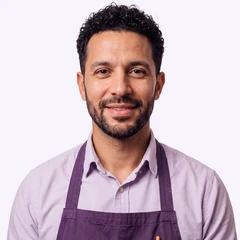
Hugo, F&B Manager
Hugo looks after your guests around the clock: at the self-service kiosk in the lobby and with the FoodApp in their room. Even when no one is at the bar and the kitchen is closed.
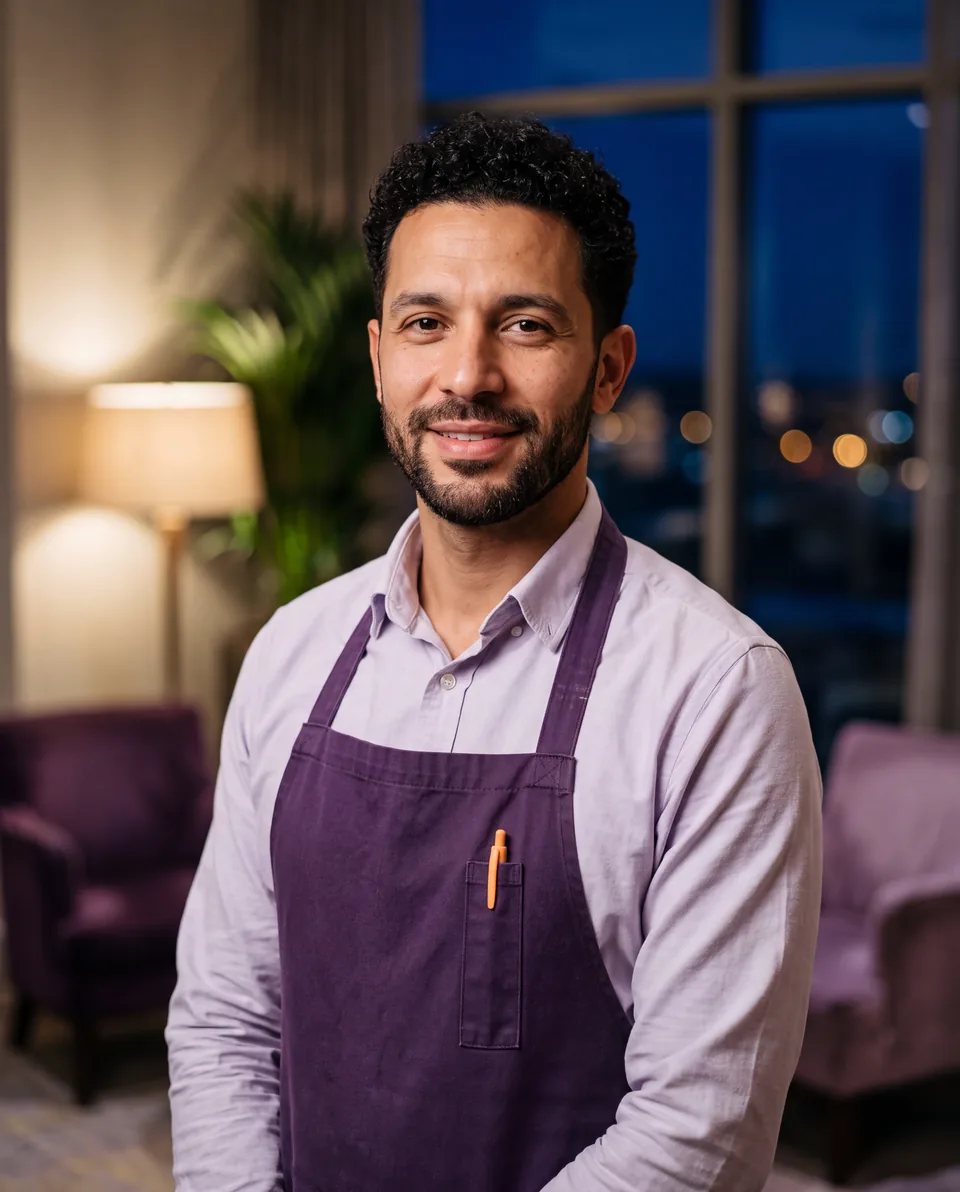
Just an ordinary day.
Six typical moments from our demo hotel. At the kiosk, in the room and in the back office.
Your bar in the lobby. Open around the clock.
Guests choose on the screen, pay at the terminal and help themselves. Your team only restocks.


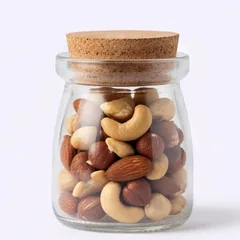
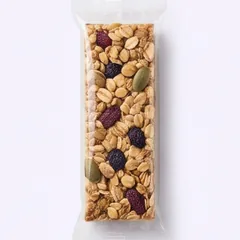
- You set the product range and prices
- Guests can also order by QR code on their own phone
- You see the status of every kiosk in the back office





The restaurants around your hotel, right in the room.
A QR code in the room is all it takes. Your guests see who delivers right now, what it costs and when they are open.
- 1ScanQR code in the room, no app download.
- 2ChooseRestaurants with menus, prices and opening hours, in six languages.
- 3OrderOnline or by phone, directly with the restaurant. Your hotel's address is already filled in.
Ordering and payment happen directly between guest and restaurant. Your hotel does not have to handle anything.
Your guests see your hotel, not us.
Kiosk and FoodApp appear with your logo and in your colours. That way the bar feels like part of your hotel.
Example: the kiosk start screen in three colour schemes. The first belongs to our demo hotel UppSide.
Sales, stock and receipts in one place.
The back office runs in the browser. Your team sees every sale and restocks before anything runs out.
Built in our own hotel operation.
We built the kiosk and FoodApp for JustStay Hotels & Apartments, our own hotel operation with properties that have no front desk. Both run there every day, with real guests.
For your hotel, we set them up from scratch: with your products, your restaurants and your design.
Two tools, bookable separately.
- One-time setup €1,190 per hotel plus €590 per kiosk
- Hardware not included. You buy it through us or yourself from our device list.
- One-time setup €280 per property, including the restaurants you name
- Restaurant scouting on request: €59 per restaurant added
What hoteliers ask about Hugo.
When can Hugo start with us?
We agree the start date after your enquiry. In a call we go through products, hardware and restaurants, then we give you a fixed date.
Do we have to book the kiosk and FoodApp together?
No. Each can be booked separately and added later. The kiosk costs €99 per kiosk per month, the FoodApp €79 per property per month.
What hardware does the kiosk need?
A touchscreen and a card terminal, plus a fridge or shelf for the products. You buy the devices through us or yourself from our device list.
Who restocks the kiosk?
Your team. Hugo shows the stock per location and flags what is running low.
Do guests order in the FoodApp?
No. The FoodApp shows restaurants, menus, prices and opening hours. Guests order and pay directly with the restaurant, online or by phone.
Where do the menus come from?
From the restaurants themselves. We add the restaurants you name during setup. On request, we find more and approach them for you, for €59 per restaurant added.
Can Hugo be combined with Felix or Stella?
Yes. Hugo takes care of snacks, drinks and restaurants, Felix and Stella handle calls and messages. The prices add up.